> ## Documentation Index
> Fetch the complete documentation index at: https://docs.inceptia.ai/llms.txt
> Use this file to discover all available pages before exploring further.
# Introduction to Construction
> Create and customize voice bots from scratch, no coding required
## How to access Construction
Construction lives inside Bot Manager, but it's not visible at first glance in the main menu — you need to open it from the module selector.
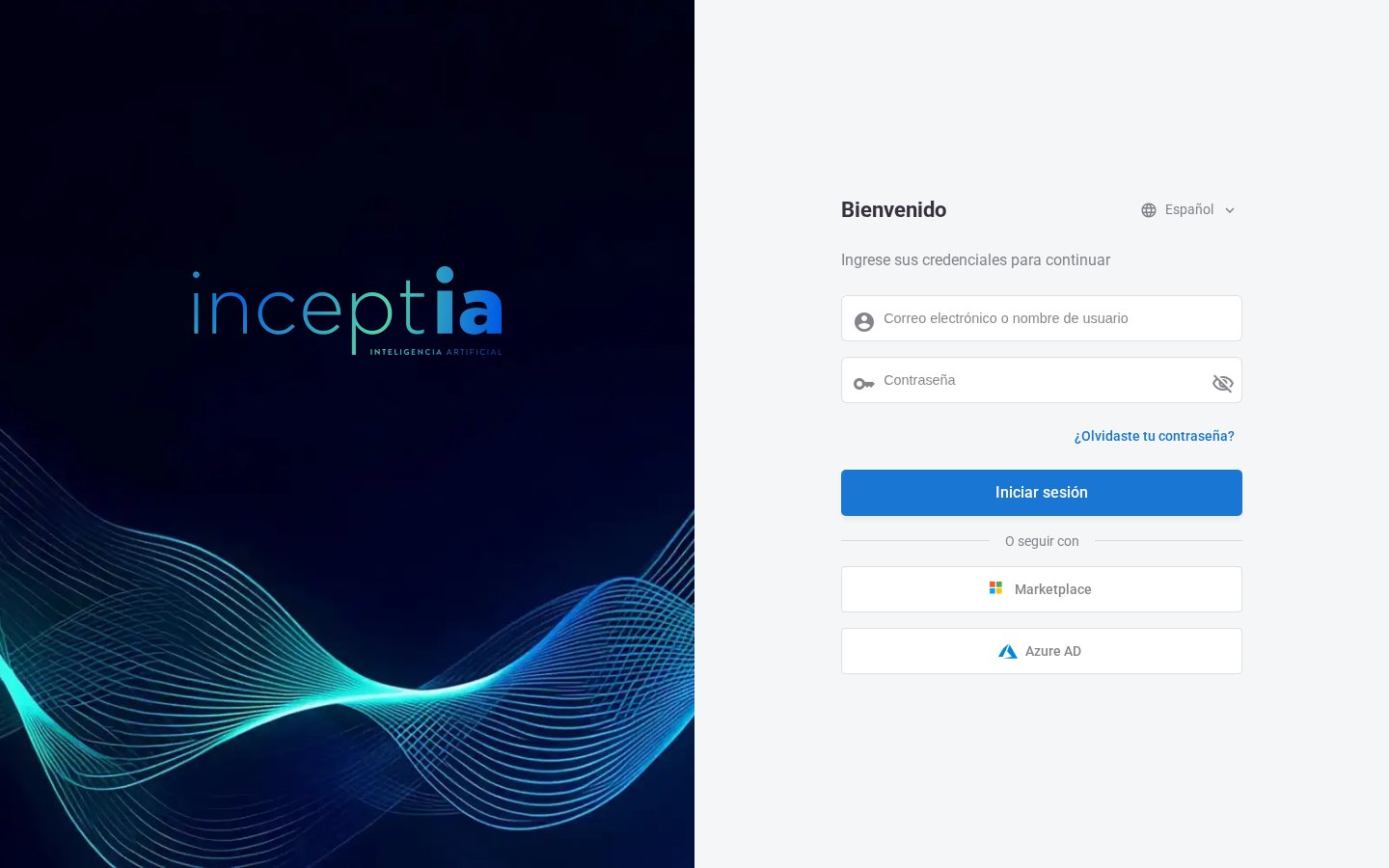
Enter your credentials on the Inceptia login screen.
 At the top left, click the grid icon (⊞) to open the menu of modules available to your user, and select **Construction**.
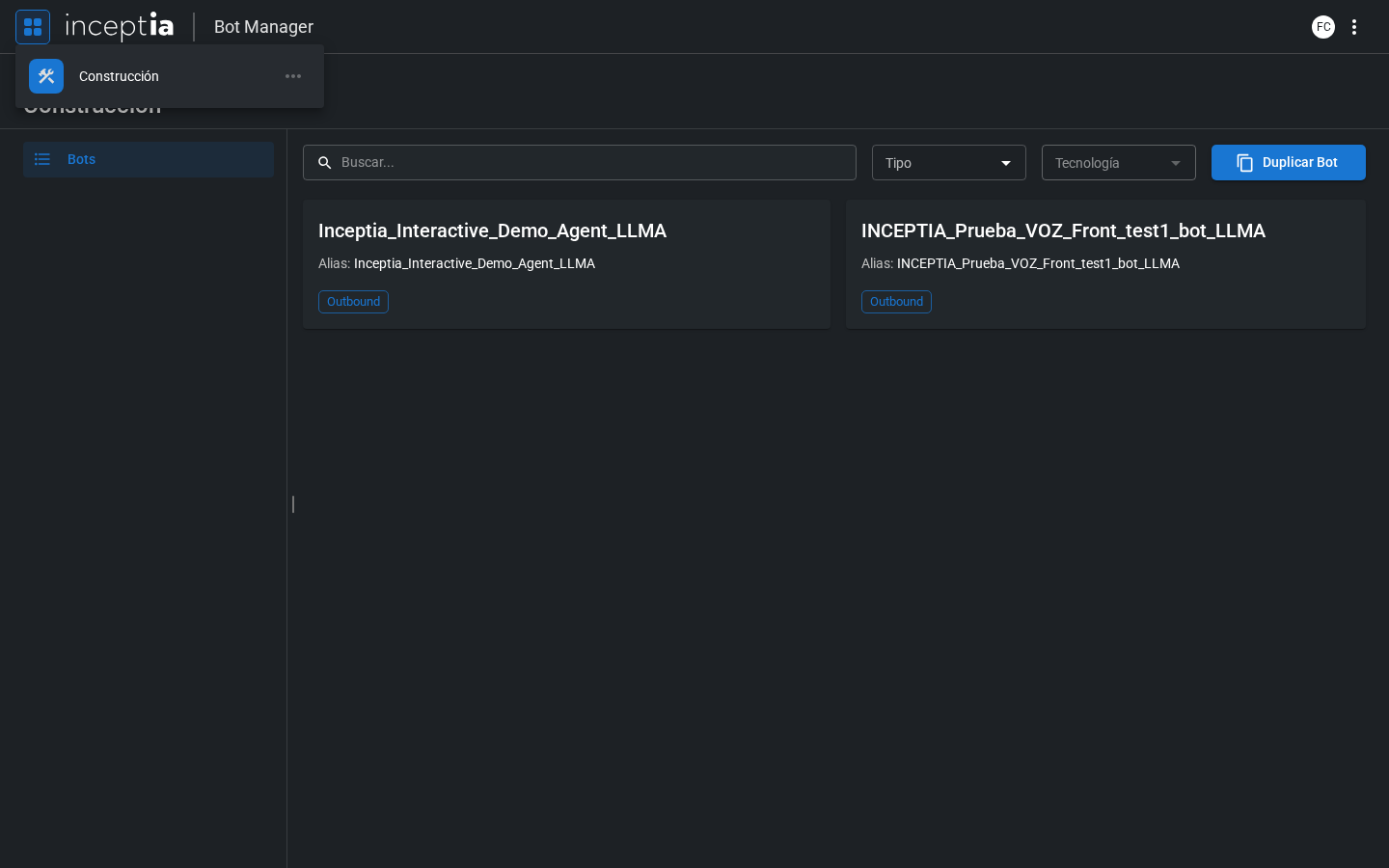 Once inside, you'll see the **Bots** list — the starting point for everything else in this section.
***
## What is Construction?
**Construction** is the Bot Manager section where you configure and customize your voice bots. From here you can define how the bot speaks, what it understands, what actions it can take, and how it behaves at every point of the conversation.
Inceptia bots are **voice conversational agents** — they can start calls (outbound) or receive them (inbound), and are designed to interact naturally with people.
***
## How the bot engine works
Every time the bot listens to the user, this cycle happens:
The voice engine converts what the person says into text (STT).
The LLM receives the text, the agent's instructions, the conversation history, and the available tools.
The model responds with text for the user, calls a tool (data lookup, logging, etc.), or both at the same time.
The generated text is converted to audio (TTS) and the bot plays it back on the call.
This cycle repeats on every conversation turn until a result is reached — an agreement, a transfer to a human agent, or the end of the call.
***
## What you can configure
Construction is organized into four stages:
Receive your base bot, duplicate it, and choose between Draft and Production before touching anything.
What Inceptia has learned about what sets a well-designed bot apart, before you dive into building.
Design the conversational flow: agents, identity, tools, logic, and agent handoffs.
Adjust how the bot speaks, its tools, labels, and test it before publishing.
Once inside, you'll see the **Bots** list — the starting point for everything else in this section.
***
## What is Construction?
**Construction** is the Bot Manager section where you configure and customize your voice bots. From here you can define how the bot speaks, what it understands, what actions it can take, and how it behaves at every point of the conversation.
Inceptia bots are **voice conversational agents** — they can start calls (outbound) or receive them (inbound), and are designed to interact naturally with people.
***
## How the bot engine works
Every time the bot listens to the user, this cycle happens:
The voice engine converts what the person says into text (STT).
The LLM receives the text, the agent's instructions, the conversation history, and the available tools.
The model responds with text for the user, calls a tool (data lookup, logging, etc.), or both at the same time.
The generated text is converted to audio (TTS) and the bot plays it back on the call.
This cycle repeats on every conversation turn until a result is reached — an agreement, a transfer to a human agent, or the end of the call.
***
## What you can configure
Construction is organized into four stages:
Receive your base bot, duplicate it, and choose between Draft and Production before touching anything.
What Inceptia has learned about what sets a well-designed bot apart, before you dive into building.
Design the conversational flow: agents, identity, tools, logic, and agent handoffs.
Adjust how the bot speaks, its tools, labels, and test it before publishing.