> ## Documentation Index
> Fetch the complete documentation index at: https://docs.inceptia.ai/llms.txt
> Use this file to discover all available pages before exploring further.
# Your assigned bot
> Inceptia hands you a base bot that's already configured — this is your starting point
## The base bot
Before you can create or modify a bot, **Inceptia assigns you a base bot**. This bot already has a functional conversational structure: agents, sample instructions, voice configuration, and basic tools.
Think of it as a starter template adapted to the type of campaign you're going to run (collections, sales, reminders, etc.).
You won't work directly on the assigned bot. The correct flow is to **duplicate it first** and work on the copy. That way the original stays intact as a reference.
***
## What the base bot includes
The bot you receive comes preconfigured with:
* **At least one starter agent** — the one that opens the conversation.
* **Base instructions** with the campaign's objective.
* **Essential tools** for the use case.
* **Voice configuration** with a default provider and model.
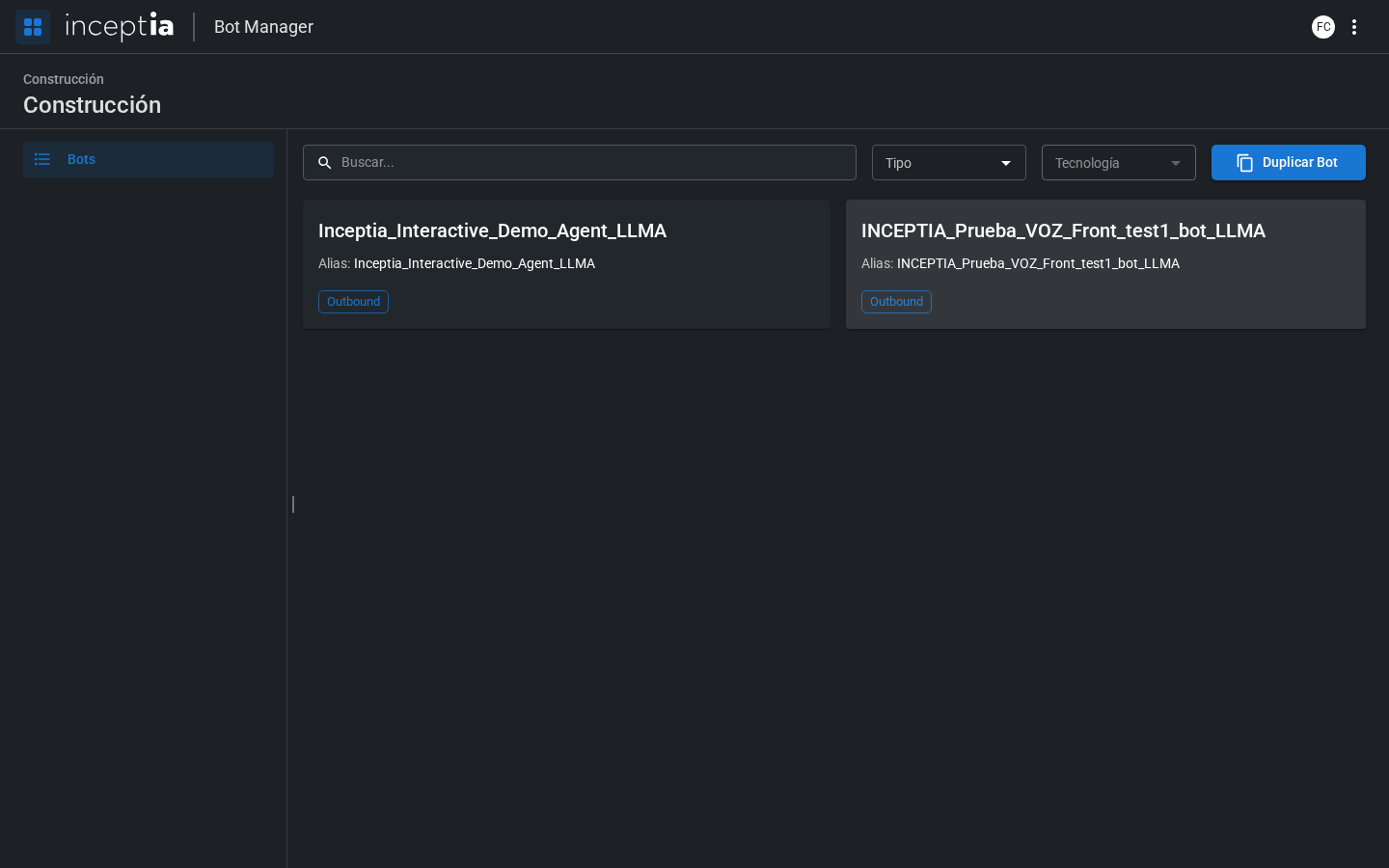
You can see the bot in the **Construction → Bots** list inside Bot Manager.
 ***
## Next step
Learn how to duplicate your assigned bot to start customizing it risk-free.
***
## Next step
Learn how to duplicate your assigned bot to start customizing it risk-free.