What tools are
Tools are capabilities the agent can invoke during a conversation: ending the call, transferring to a person, querying external data, validating information, etc. The agent’s Tools tab has two panels: general functions (always available) and the specific tools assigned to the bot.General functions
These are native platform tools you can turn on or off with a toggle for each agent: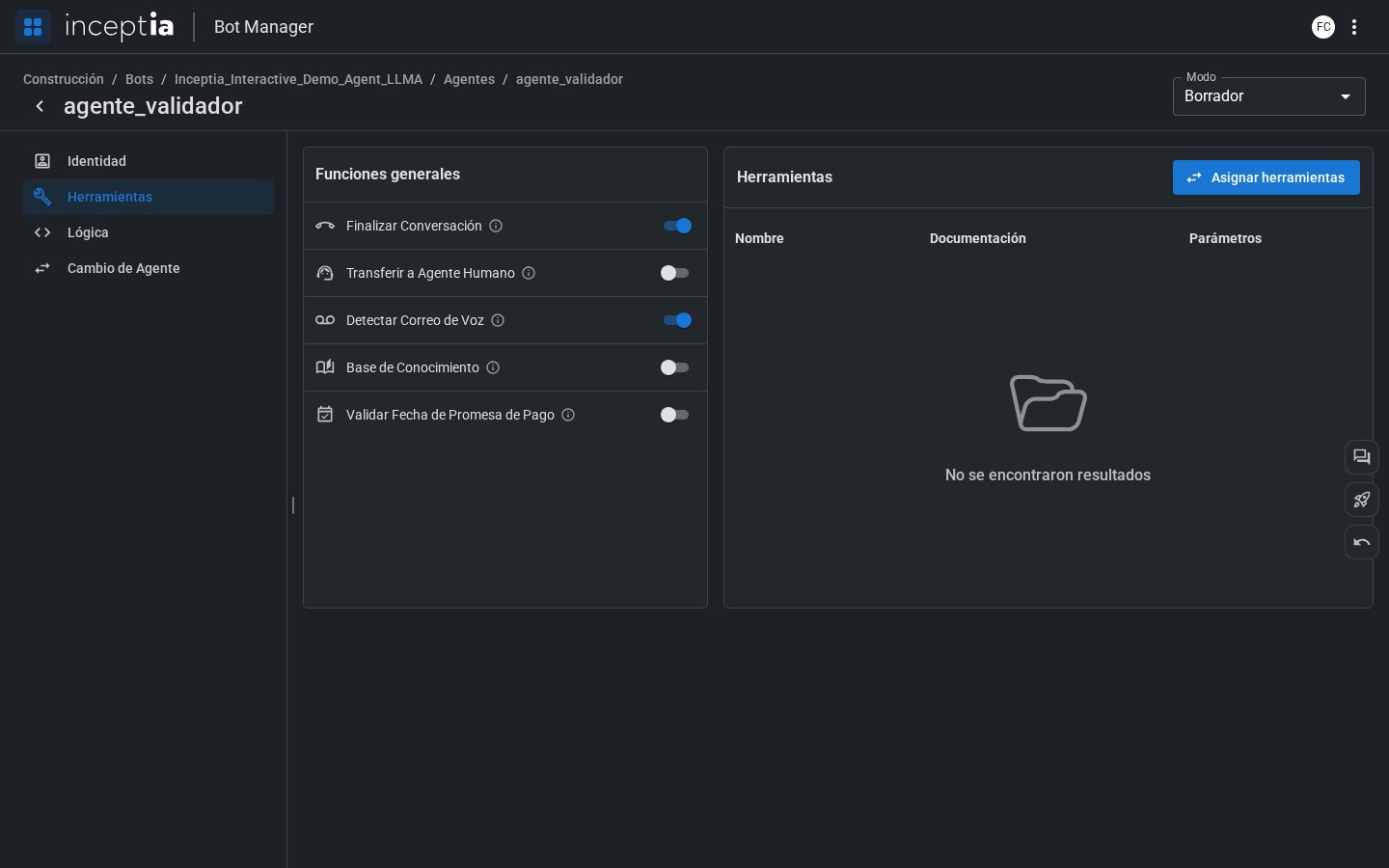
You don’t need to turn on every function for every agent. Only enable the ones that make sense for that agent’s role in the flow. For example, only the closing agent needs “End Conversation.”
Assigned tools
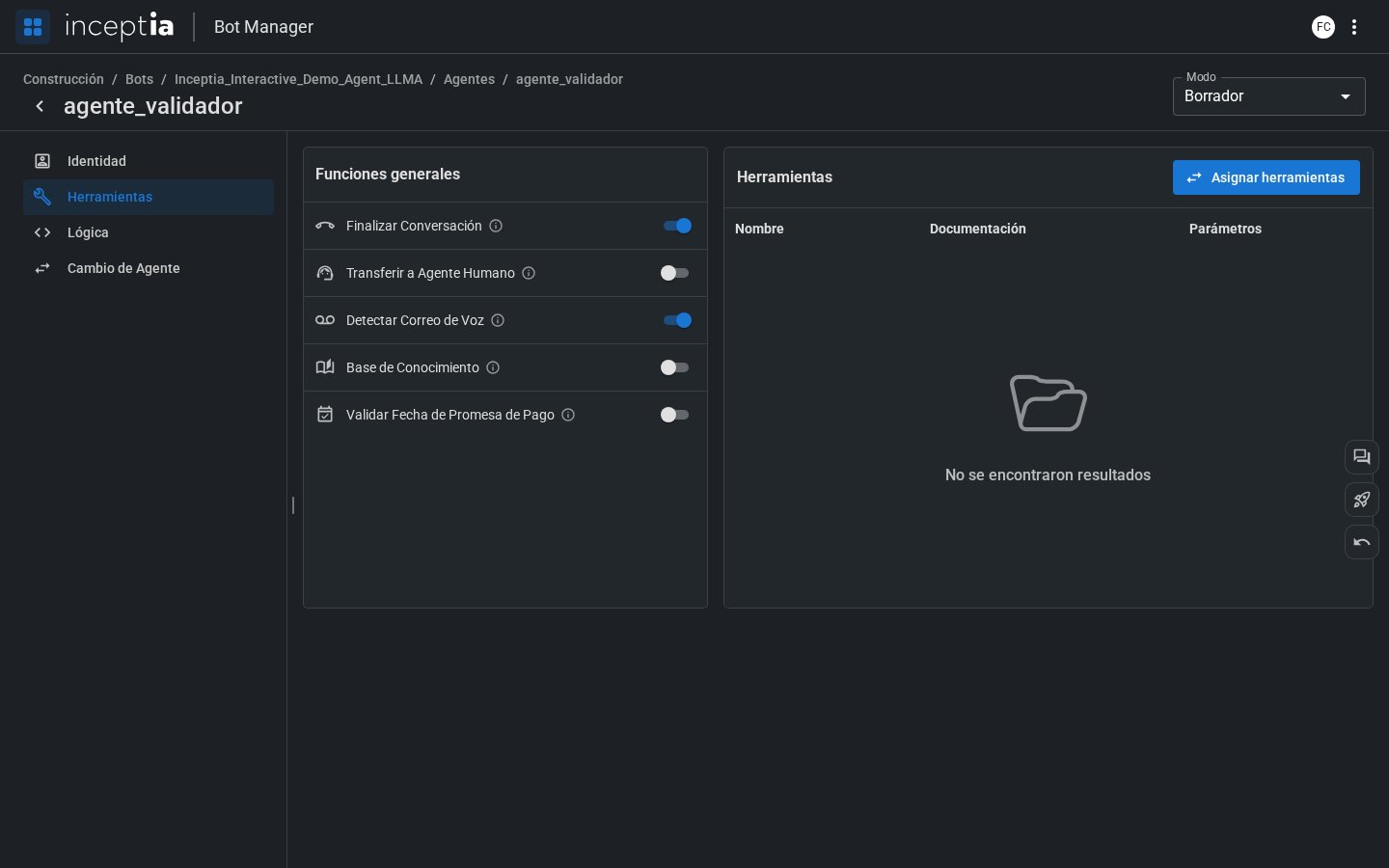
Besides the general functions, an agent can have custom tools — integrations with external systems, API calls, database records, etc. These tools are shown in a table with:- Name — how the agent identifies them.
- Documentation — a description of what it does and when to use it (the LLM reads this to decide whether to call it).
- Parameters — the data the tool needs to run.
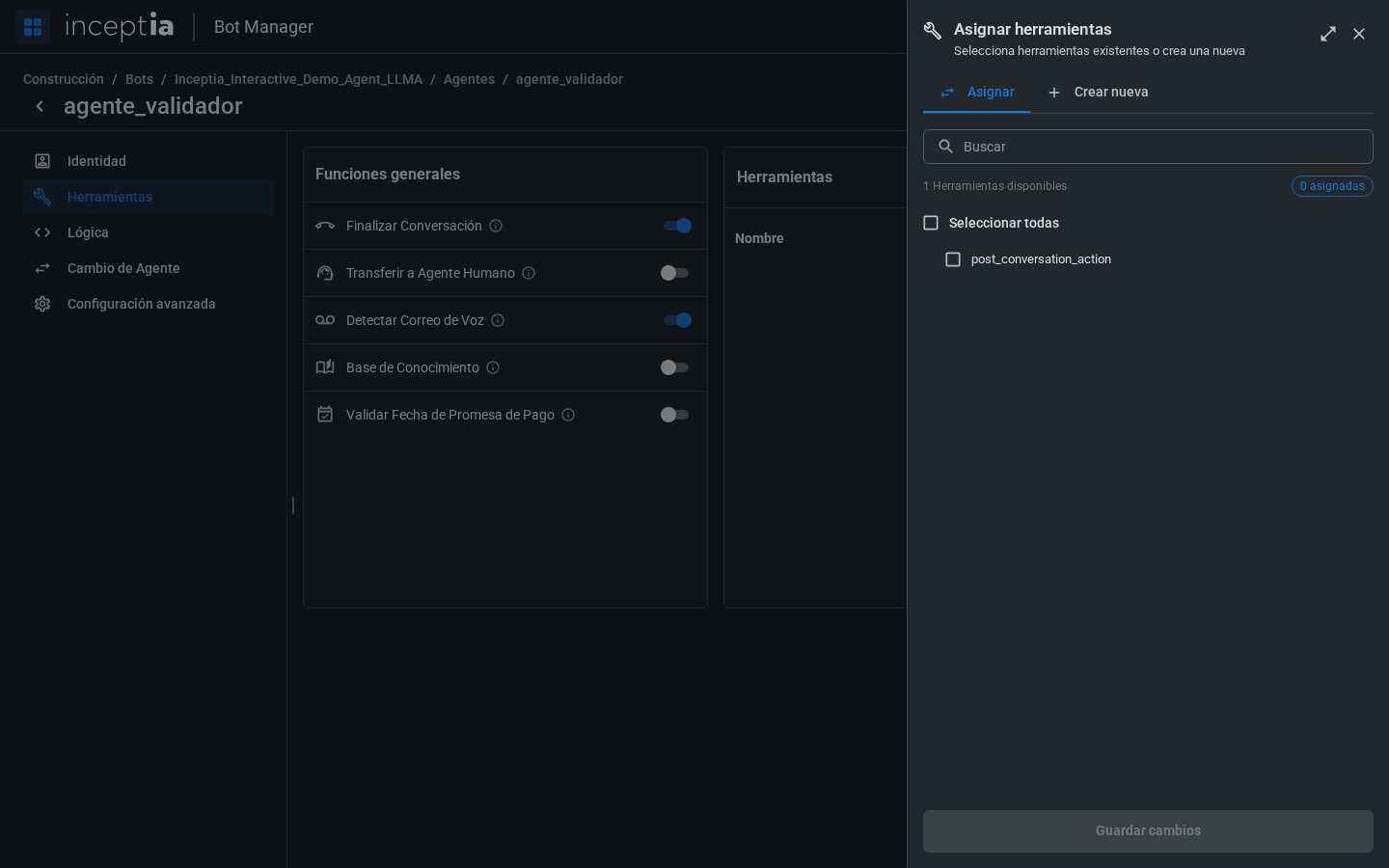
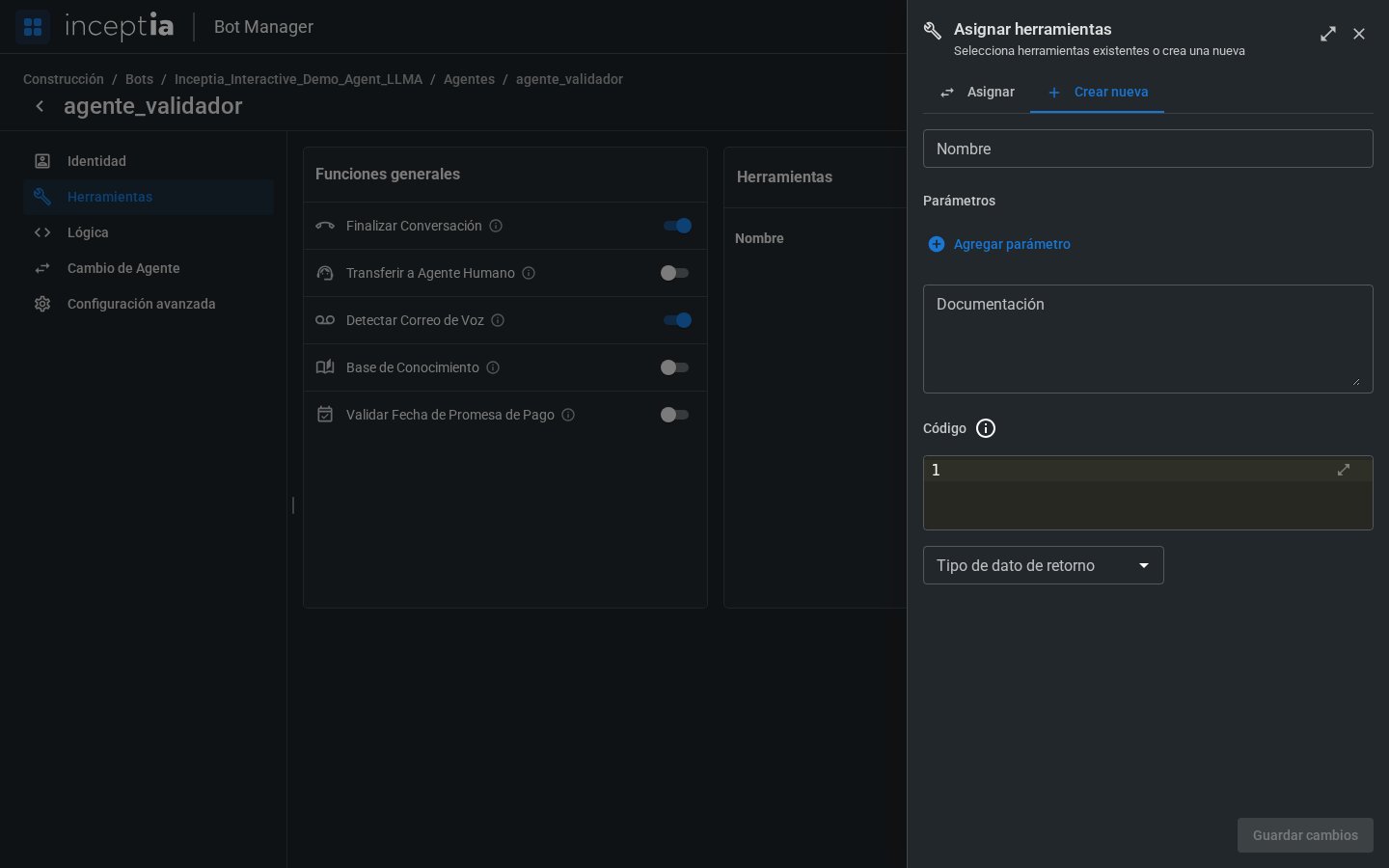
- Assign: pick from the tools already created for the bot (search box + checkbox per tool, or “Select all”).
- Create new: the same creation form as the New button in Bot Tools (Name, Parameters, Documentation, Code, and Return data type) — a tool you create here also becomes available to the bot’s other agents.
Variables captured by the bot during the conversation
The Post-Conversation agent (see The agent canvas) doesn’t just assign the result label — it has its own assigned tool, just like any agent can have, and that tool is what triggers the classification.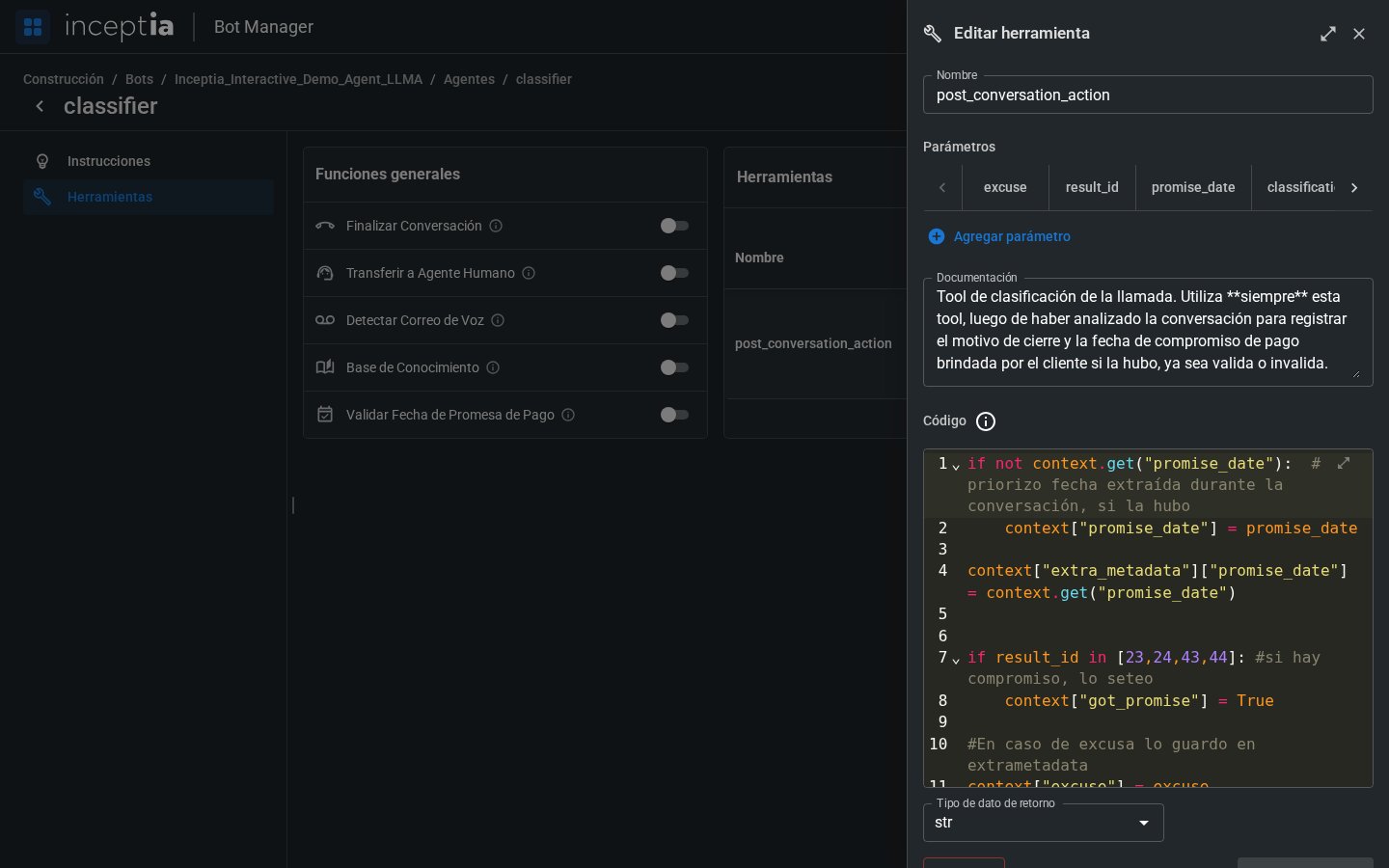
These parameters are added just like in any tool, with Add parameter (see Bot Tools) — the difference is that here the LLM fills them in by analyzing the whole conversation, not a single message from the contact.
Making those values visible with extra_metadata
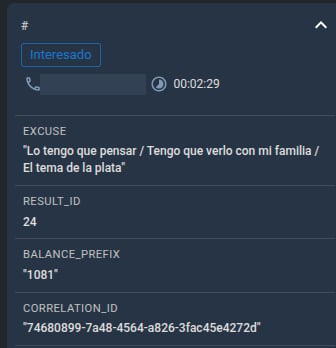
On their own, those parameters only live inside the tool’s code. For a value to become available later on — for example, so your team can see it on the call’s case in Bot Manager — you need to explicitly load it into the special extra_metadata dictionary, inside the tool’s Code field: